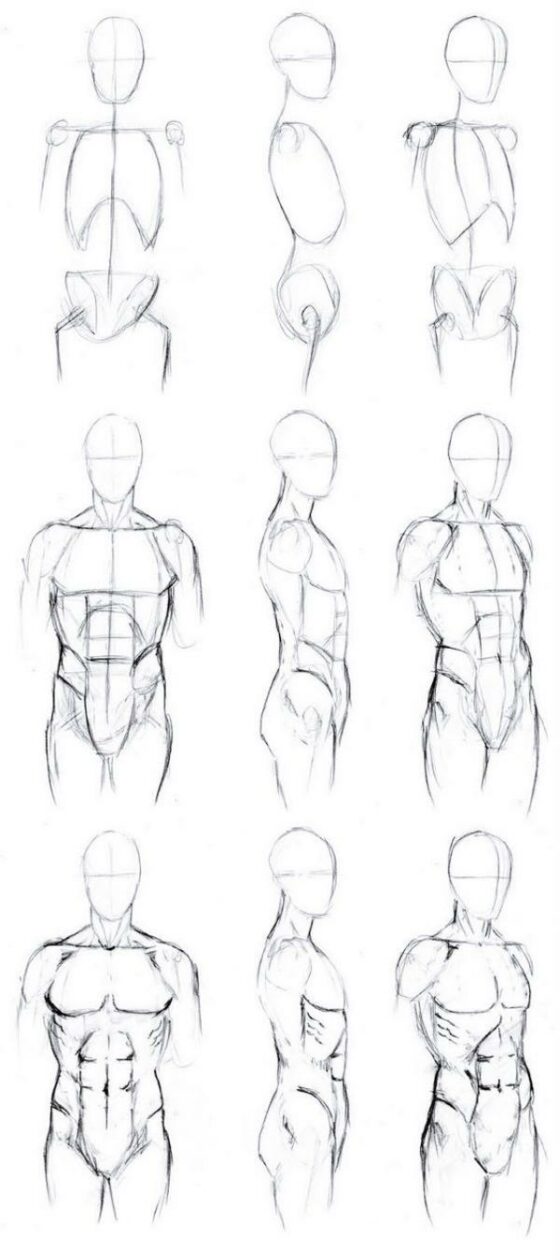
When it comes to graphic design, having the right tools is essential, and a high-quality drawing tablet can greatly enhance the creative process. Whether you’re a professional graphic designer or an aspiring artist, a drawing tablet offers precision, control, and a natural drawing experience.
In this list, we’ll explore the top drawing tablets for graphic designers that combine advanced technology, responsive stylus pens, and innovative features. These tablets offer a wide range of options to suit different preferences and budgets, empowering graphic designers to unleash their creativity and bring their ideas to life with exceptional precision and detail.
Wacom Intuos Pro
Wacom Intuos Pro is the top choice for graphic designers due to its unmatched precision and control. It offers a seamless and natural drawing experience with its advanced technology and quality build. The pressure-sensitive pen allows for precise and fluid strokes, while the customizable buttons and touch ring enhance workflow efficiency. With compatibility with leading design software and wireless connectivity, it empowers designers to unleash their creativity and achieve professional-level results.
Huion H610PRO V2
Huion H610PRO V2 is a top choice for graphic designers, offering affordability and impressive features. It has a large active area and a battery-free pen with high-pressure sensitivity. Customizable express keys and a touch strip enhance workflow. It’s compatible with major design software and has adjustable pen tilt functionality, providing versatility and flexibility at a budget-friendly price.
Apple iPad Pro
The Apple iPad Pro is a top choice for graphic designers. It features a high-resolution Retina display and ProMotion technology for accurate colors and responsive pen input. The Apple Pencil offers precise control with tilt and pressure sensitivity. The iPad Pro delivers desktop-level performance, supports multitasking, and runs resource-intensive design apps. It’s portable and has a long battery life. Plus, it seamlessly integrates with the Apple ecosystem for easy synchronization and collaboration.
Xp-Pen Artist 15.6
The Xp-Pen Artist 15.6 is a reliable choice for graphic designers. It features a 15.6-inch IPS display with vibrant colors. The tablet has 8192 levels of pressure sensitivity. It is compatible with major design software. The Xp-Pen Artist 15.6 has an adjustable stand and customizable shortcut keys. It offers affordability and functionality for graphic designers.
Microsoft Surface Pro
The Microsoft Surface Pro is a versatile drawing tablet for graphic designers. It combines portability with laptop power. It has a high-resolution PixelSense display for accurate colors. The Surface Pen offers precise input with 4096 levels of pressure sensitivity. It runs full desktop software and has powerful hardware. The tablet is compact, has long battery life, and is compatible with design software. It’s an excellent choice for graphic designers on the go.
Wacom Cintiq Pro
The Wacom Cintiq Pro is a top-tier drawing tablet for graphic designers. It features the advanced Pro Pen 2 with exceptional pressure sensitivity and tilt recognition. The high-resolution display delivers vibrant colors and crisp details. The tablet has an adjustable stand and ergonomic design for comfort. It seamlessly integrates with industry-standard design software and offers customizable ExpressKeys and Touch Ring. The Cintiq Pro is a professional-grade tool that empowers graphic designers to unleash their creativity with precision.
XP-Pen Deco Pro
The XP-Pen Deco Pro is a versatile and affordable drawing tablet. It has a sleek and compact design, perfect for on-the-go use. The tablet offers a large active drawing area for precise work. Its battery-free stylus provides a natural and responsive drawing experience. Customizable shortcut keys and a touch ring enhance workflow. Tilt recognition adds control and creativity. The XP-Pen Deco Pro is an affordable option for graphic designers seeking a quality drawing tablet.
In conclusion, the top drawing tablets for graphic designers offer a wide range of features and capabilities to enhance the digital artwork creation process. These tablets provide precise stylus control, advanced functionality, and ergonomic designs, allowing artists to unleash their creativity and produce stunning masterpieces. With a focus on performance, reliability, and user experience, these drawing tablets empower graphic designers to streamline their workflow and elevate their skills. Whether you’re a professional or an aspiring artist, choosing the right drawing tablet is essential for unlocking your full creative potential and achieving exceptional results in the world of digital design.